
Zoom Sessions
Hypnotherapy By Video Call? Zoom Explained
Just like in any session, the therapist you’re working with Zoom is going to spend time getting to know about you, and what’s going on for you so that they can help you in a way that is right for you. Most people find that after a little bit of time spent talking to someone by video call it begins to feel as though you are sitting down together in the same space. The technology ‘disappears’, and it starts to feel normal pretty quickly.
We always make time for you to ask questions and get a feel for the whole process.
What do I Need to Prepare
Ideally, you’ll be using a tablet, laptop or desktop computer – something that you won’t be required to hold. If you only have a smartphone available to use, work out a way that you can prop it on a desk or table so you don’t have to hold anything. Do not sit on a bed, sit in a chair. IMPORTANT: You need to be visible to your therapist, but also comfortable.
Appointment Time?
At the time of your appointment, you’ll need to be set up in a quiet, private space, with a comfortable chair. Please do not lie on your bed. Your therapist needs to see your head and shoulders for the duration of the session. Let people know that you’re not available to them for a couple of hours. Make arrangements to secure your animals. Grab a glass of water.
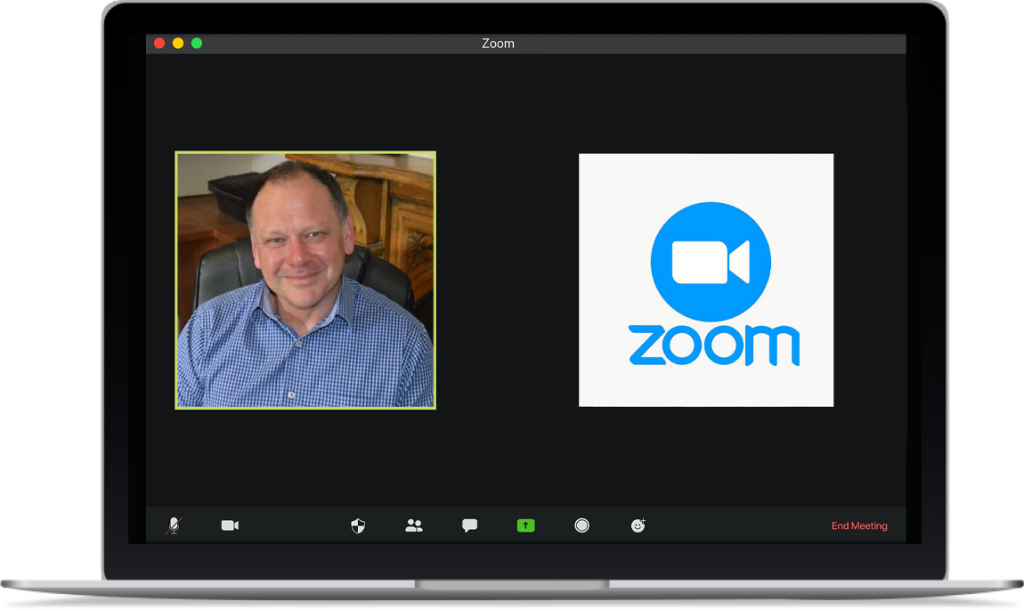
At the appointed time, your therapist will send you a request to join a Zoom meeting, so have the app open prior to the session time. Respond using the video icon – both sound and vision are important. We will be prompt, and won’t keep you waiting. If for any reason there is a technical issue and we cannot connect, you’ll be contacted on the phone number you have provided. If we haven’t connected with you by Zoom within 5 minutes of your booked session time no doubt we’ll be trying to get in touch so please turn your phone back on in that case.
Technology
It is important that your internet connection is strong, and that you have either working speakers and a microphone, or a headset with a microphone attached to your device. If you are using a desktop computer it will need to have a camera and speakers.
At the time of your appointment, make sure all your alerts – email, SMS, social media apps, etc – are OFF. This is really important. Close off any programs or apps that you are not using. You need to focus, and we need you to be without distraction.
20+
Years Experience
Helping clients create change
Adelaide Based
Clinic in Kings Park
Professional
Your privacy is always protected
Thousands
Of clients helped across Australia